
Asus Laptop Battery Connector Ripped Off the Motherboard: Connector Replacement and Trace Repair
Repair case study · More repair cases
Battery connector replacement: £120 · No fix, no fee · UK-wide mail-in
A common Asus laptop fault
We repair Asus laptops with damaged, snapped or ripped-off battery connectors nearly every week. It happens across many models, including ROG Strix, Zephyrus Duo, TUF and VivoBook laptops, and today we had another Asus Duo in with the same problem.
Why it happens
On many Asus laptops, the battery cable is held in its socket by a metal retaining plate. When people try to unplug the battery, for example to replace it, upgrade the SSD or clean the fans, they often pull the cable without lifting that plate first. The connector is soldered to the motherboard, so instead of the cable coming out, the whole connector tears off the board, often taking the solder pads and traces with it.
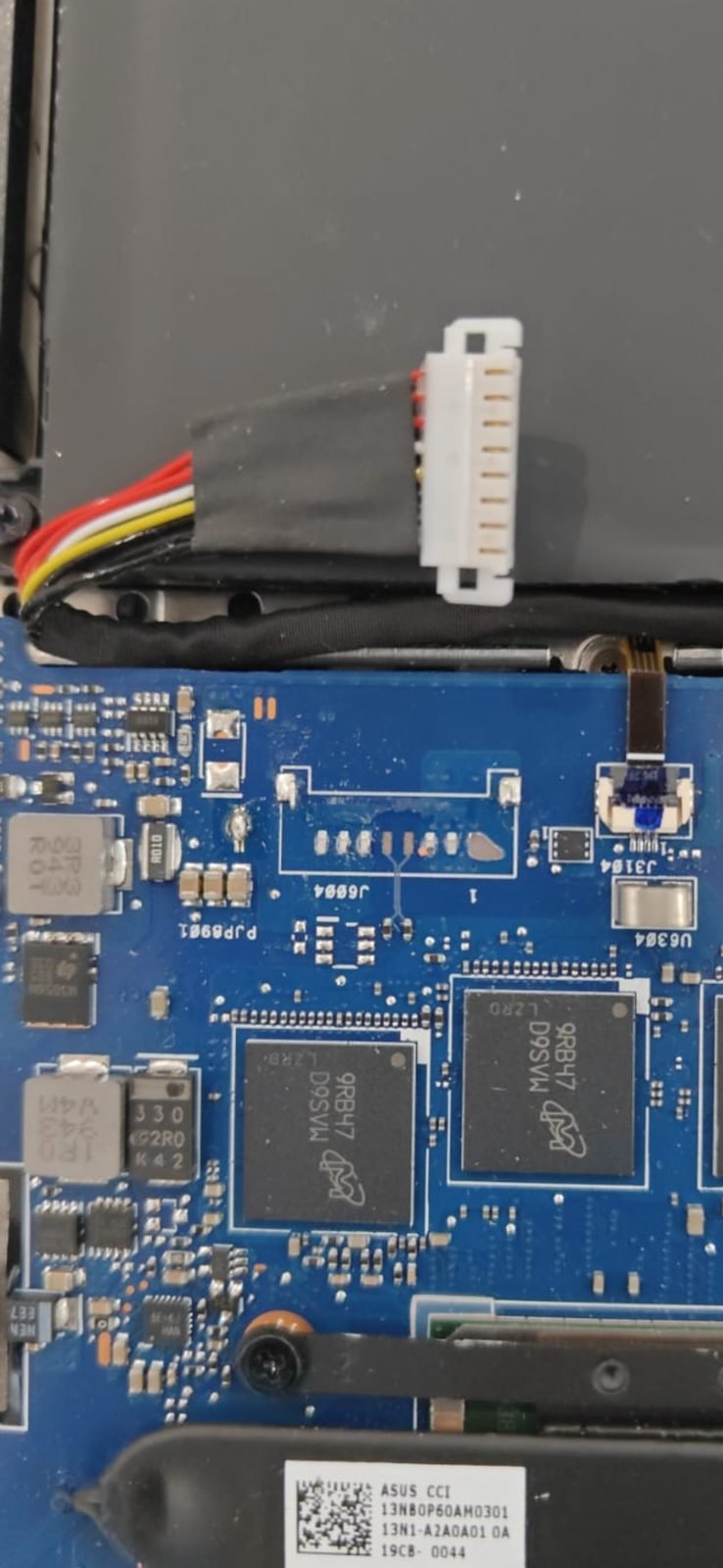
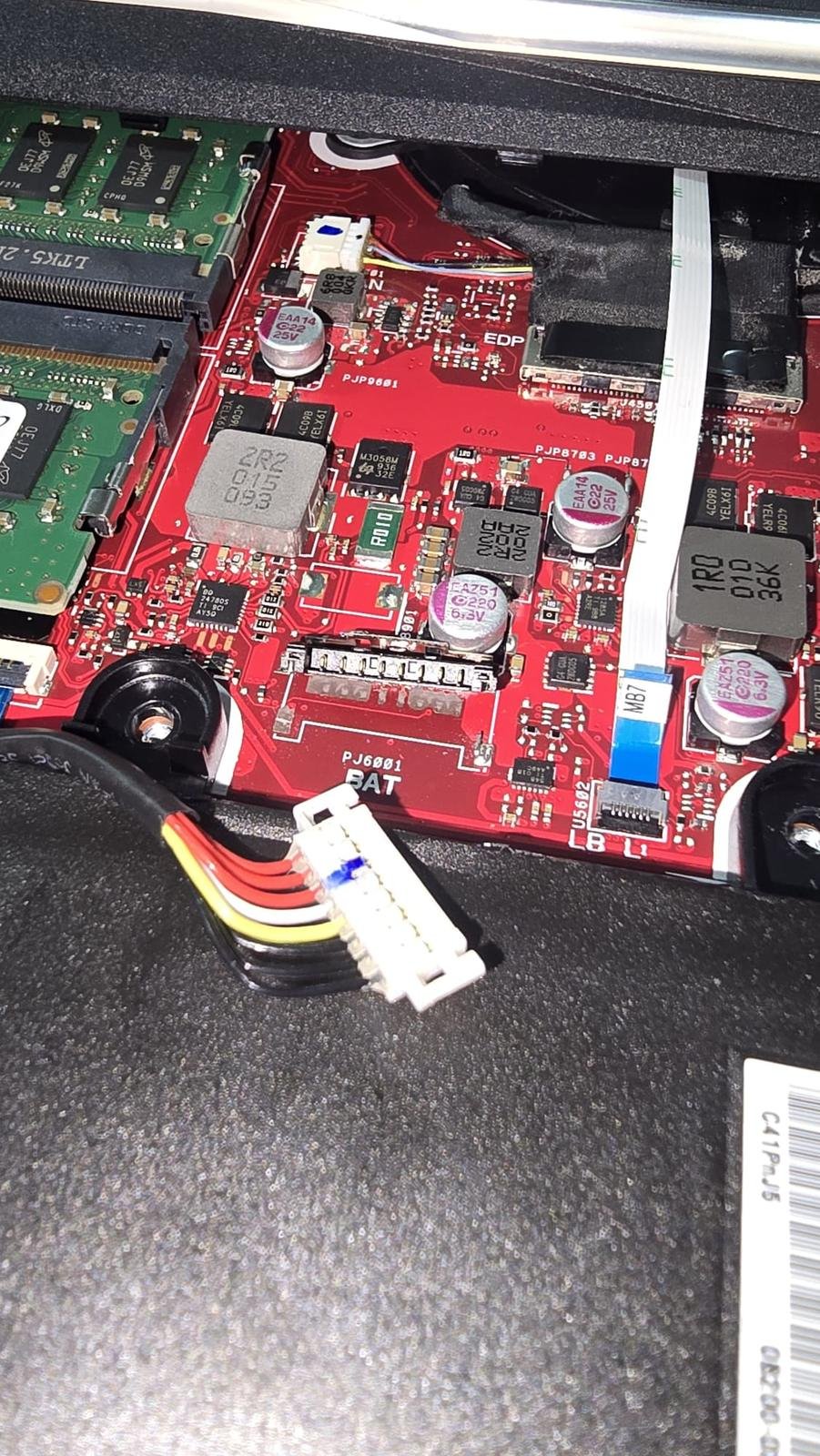
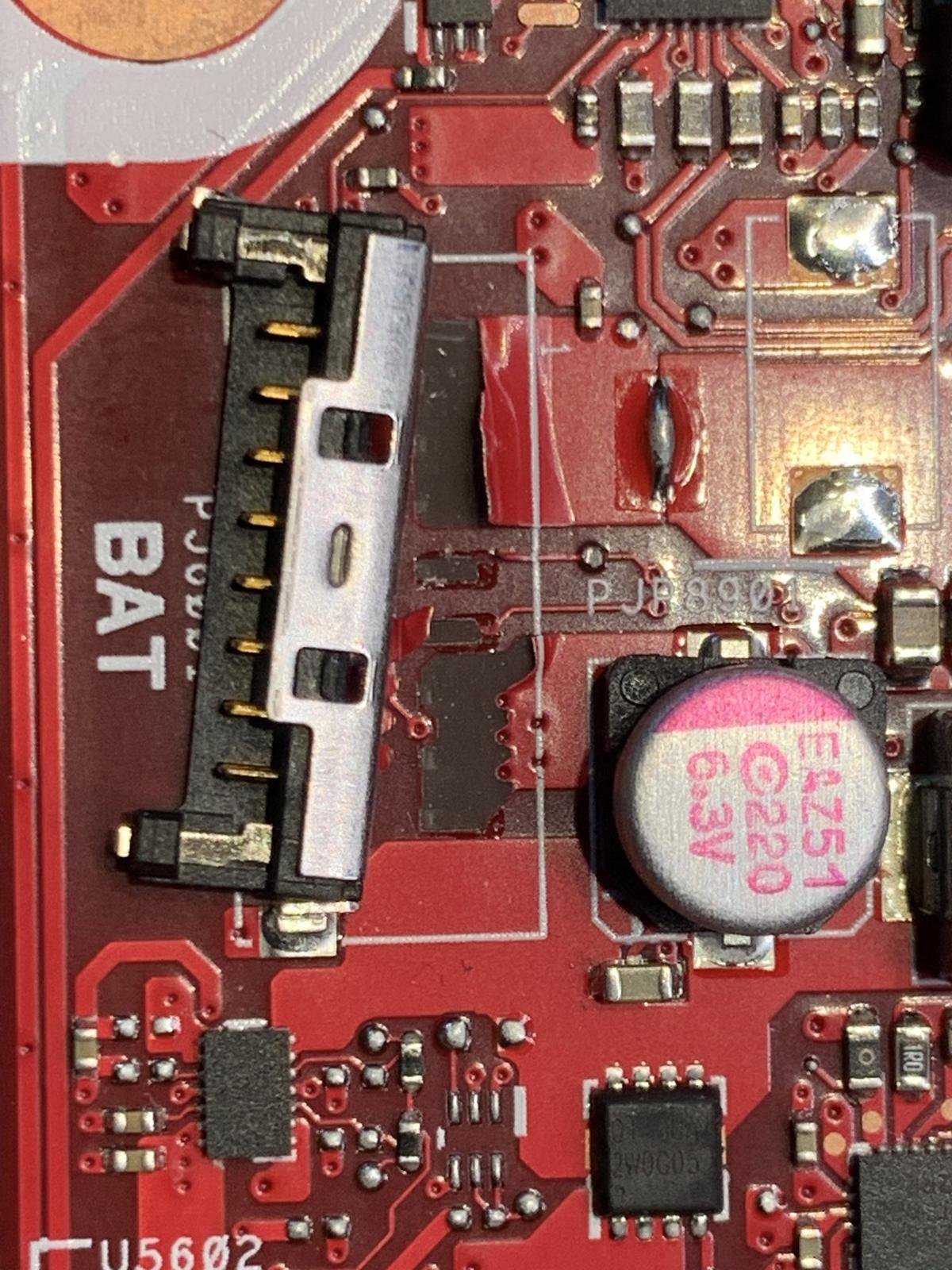
These photos show damaged battery connectors from three different Asus laptops that came in for repair.
How we repair it
- Remove what’s left of the damaged connector and clean the area.
- Restore any damaged pads and traces on the motherboard, so every pin of the new connector has a solid connection.
- Solder a new battery connector onto the board.
- Test that the laptop charges and runs on battery.
How to unplug an Asus battery safely
- Lift or remove the metal retaining plate first.
- Pull by the plug, not the wires, and pull straight out, parallel to the board.
- Never lever the connector upwards from the motherboard.
- If it won’t move, stop. Forcing it is how the connector comes off the board.
Broken battery connector?
It’s repairable. We replace the connector and restore the traces at component level. Battery connector replacement costs £120, every device gets a free evaluation, we work no fix, no fee, and you can post your laptop from anywhere in the UK.
Send your device · Book a repair · Motherboard repair · Call or WhatsApp 07712 521301