
ASUS ROG Zephyrus Duo 16: Liquid Metal Spilled on the GPU and VRAM, Cleaned and Re-Pasted Properly
Repair case study · More repair cases
The problem
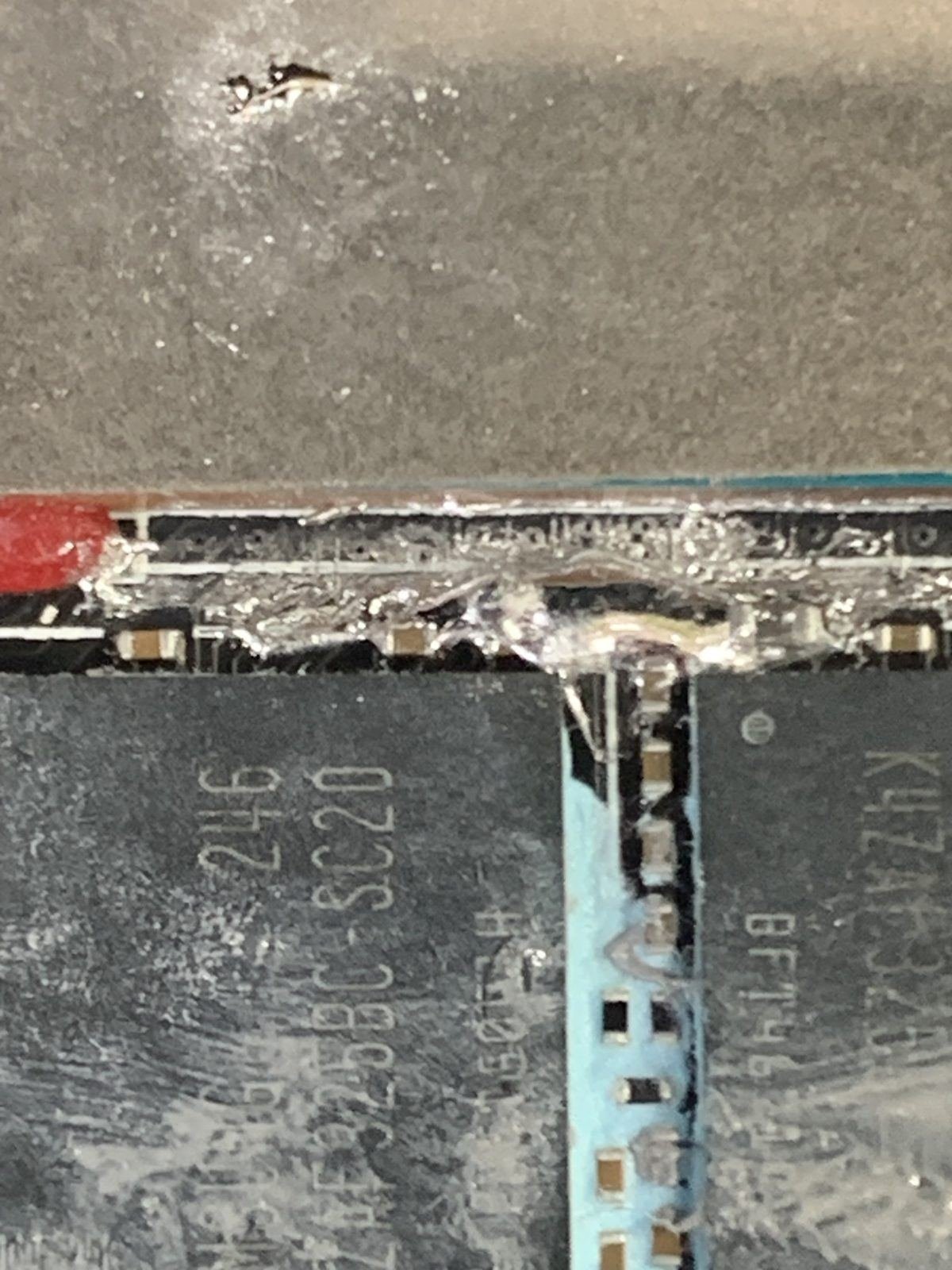
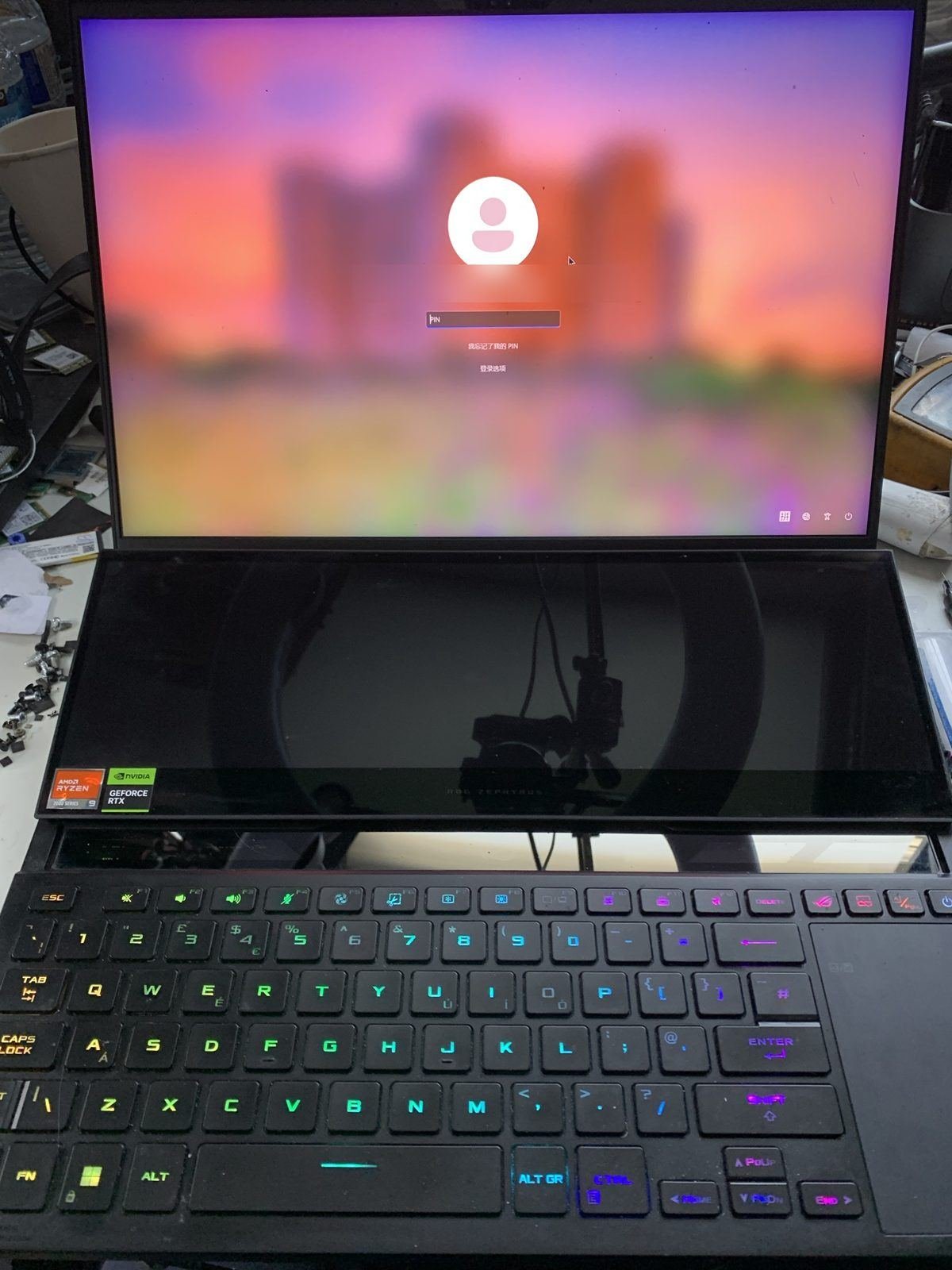
A customer contacted us about his ASUS ROG Zephyrus Duo 16 and asked for help resolving the issue. Another computer repair shop had applied liquid metal to the GPU instead of the CPU, and while cleaning it up, some of it spread onto the VRAM chips and the surrounding components.
The laptop still worked, but he was worried, and rightly so. Liquid metal conducts electricity. Left on capacitors, VRAM solder joints or nearby components, it can cause a short circuit at any time, or slowly eat into the solder.
What we found
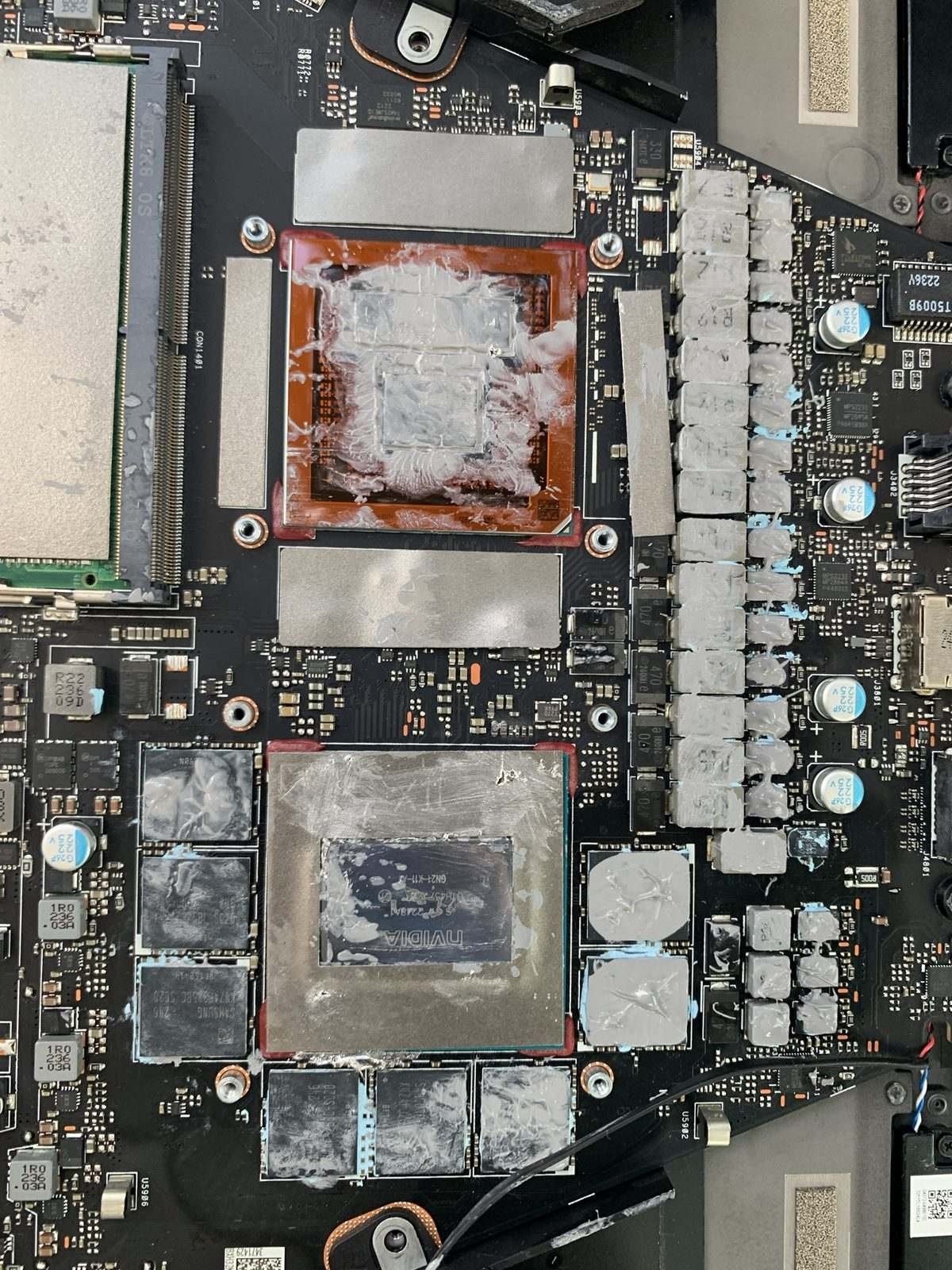
When we opened the laptop, we found two problems:
- Liquid metal around the GPU area, spread over small components next to the GPU and the VRAM chips.
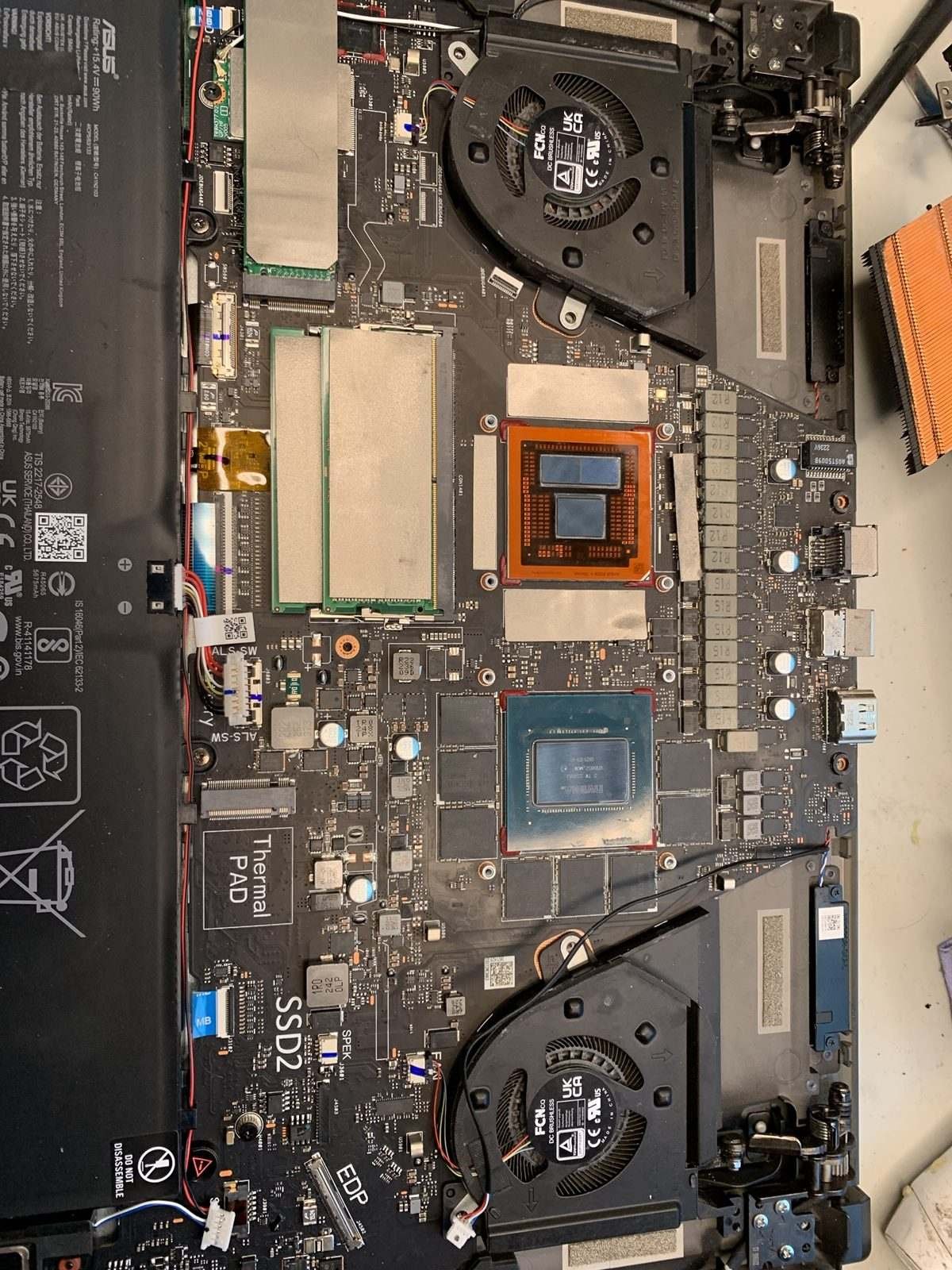
- Thermal paste smeared over everything: the CPU, the GPU, and all the surrounding coils, MOSFETs and VRAM. These components are designed to use thermal putty, which fills the gap between the chips and the heatsink. Paste is too thin to bridge that gap, so those parts run hot. Over time that can damage the power delivery or the memory. It was a ticking time bomb.
The repair
- Removed all the liquid metal from the GPU area, the VRAM and the surrounding components, so none was left near the solder joints or capacitors.
- Cleaned off all the old thermal paste from the board.
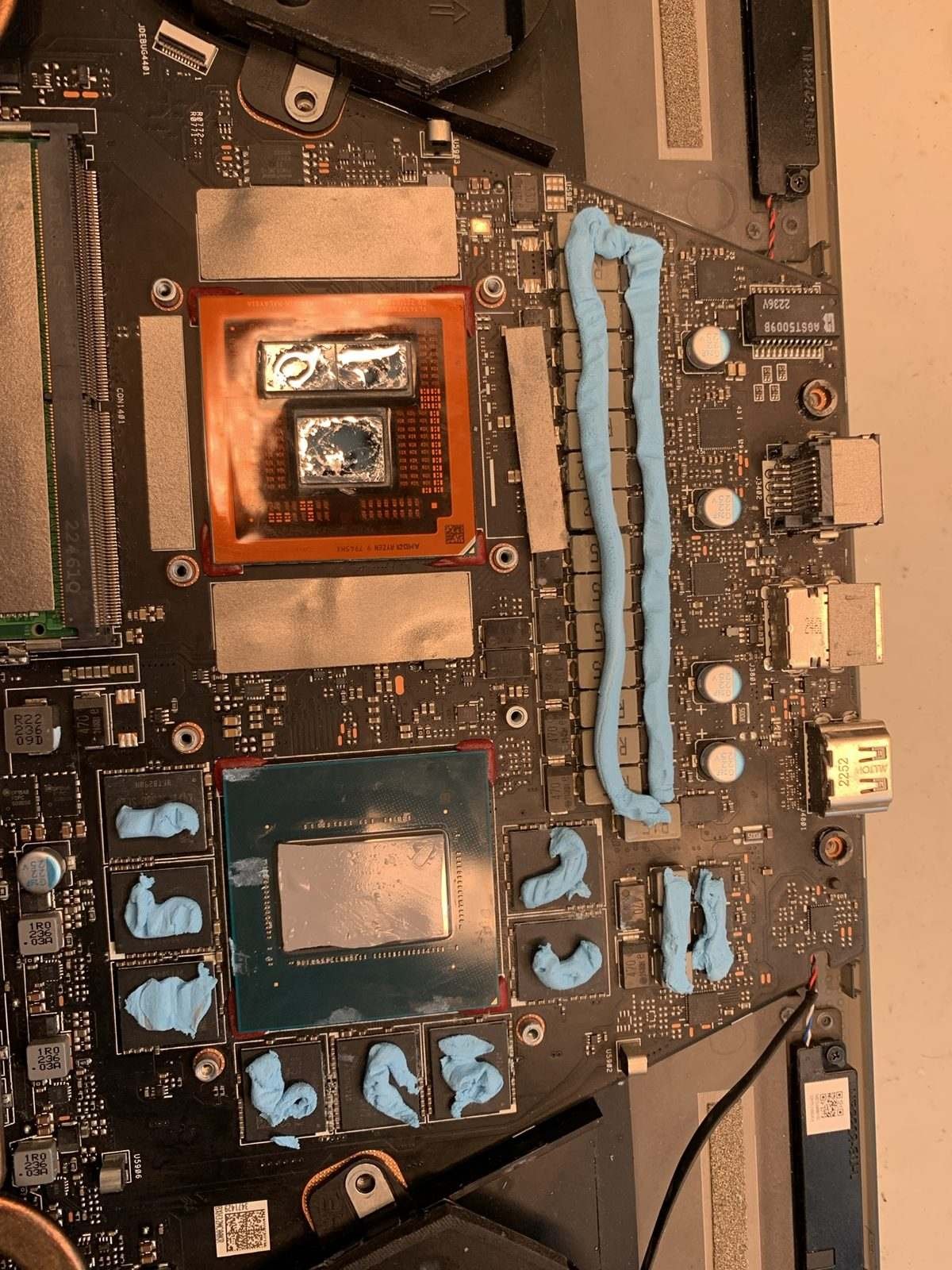
- Fitted the correct thermal materials: liquid metal on the CPU, a phase-change pad on the GPU, and thermal putty on the VRAM, coils and MOSFETs.
The result
The laptop is safe again, with no liquid metal where it shouldn’t be, and every component has the correct thermal material for proper cooling.
Advice for gaming laptop owners
- Liquid metal belongs only where the manufacturer designed it, with proper barriers surrounding the die.
- Not all thermal materials are the same. VRAM and power components often need thermal putty or pads of the right thickness, not paste.
- If a repaste went wrong, act early. Liquid metal dissolves solder and can bridge contacts, which can cause all sorts of different faults.
Need your laptop checked?
If you think liquid metal or the wrong thermal materials have been used in your laptop, we can check it and put it right. Every device gets a free evaluation, we work no fix, no fee, and you can post your laptop from anywhere in the UK.
Send your device · Book a repair · Motherboard repair · Call or WhatsApp 07712 521301