
Repair case study · AMD Radeon RX 7900 XTX
AMD Radeon RX 7900 XTX bricked after a VBIOS update: chip reflashed and card restored
- Fault: no video output after a VBIOS update
- Cause: bricked VBIOS
- Fix: VBIOS chip reflashed, PTM7950 fitted
In shortA customer updated the VBIOS on their ASRock Radeon RX 7900 XTX 24GB, and after restarting the PC there was no video output. We removed the heatsink, unsoldered the VBIOS chip and reflashed it with a healthy VBIOS using a programmer. We then cleaned off the old thermal compound, applied PTM7950, and the card came back to life.
- No fix, no fee
- Free evaluation
- UK-wide mail-in
The fault
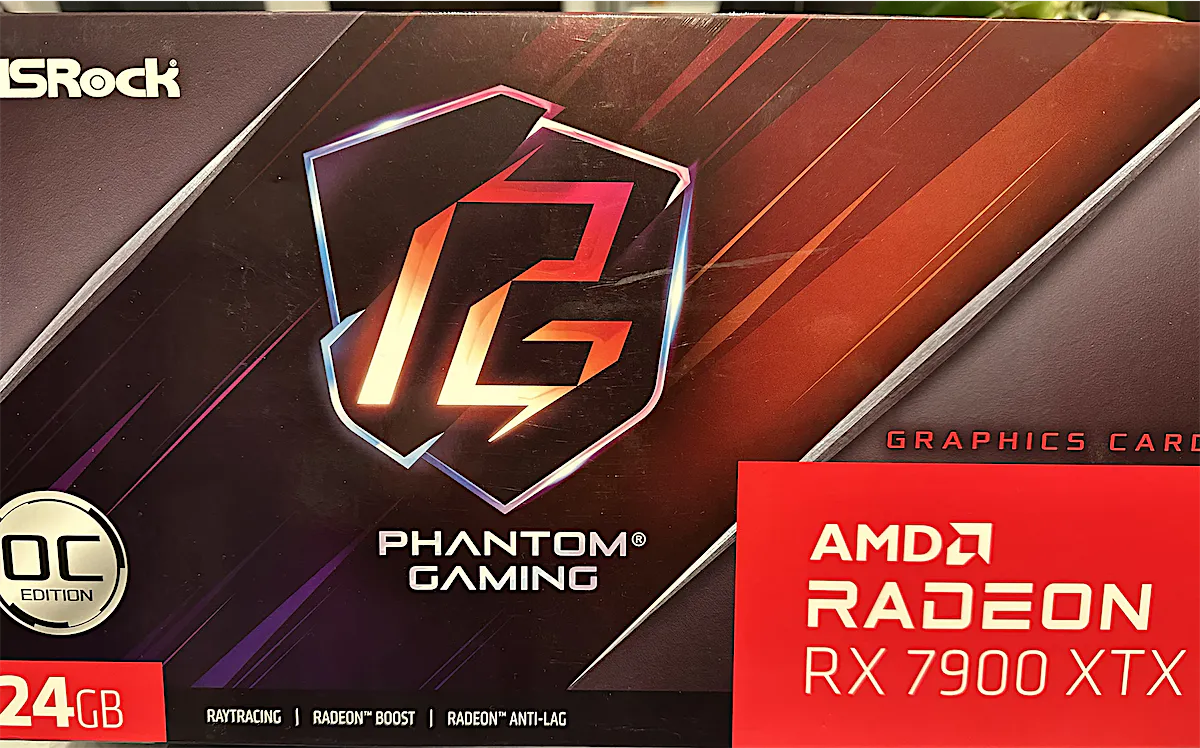
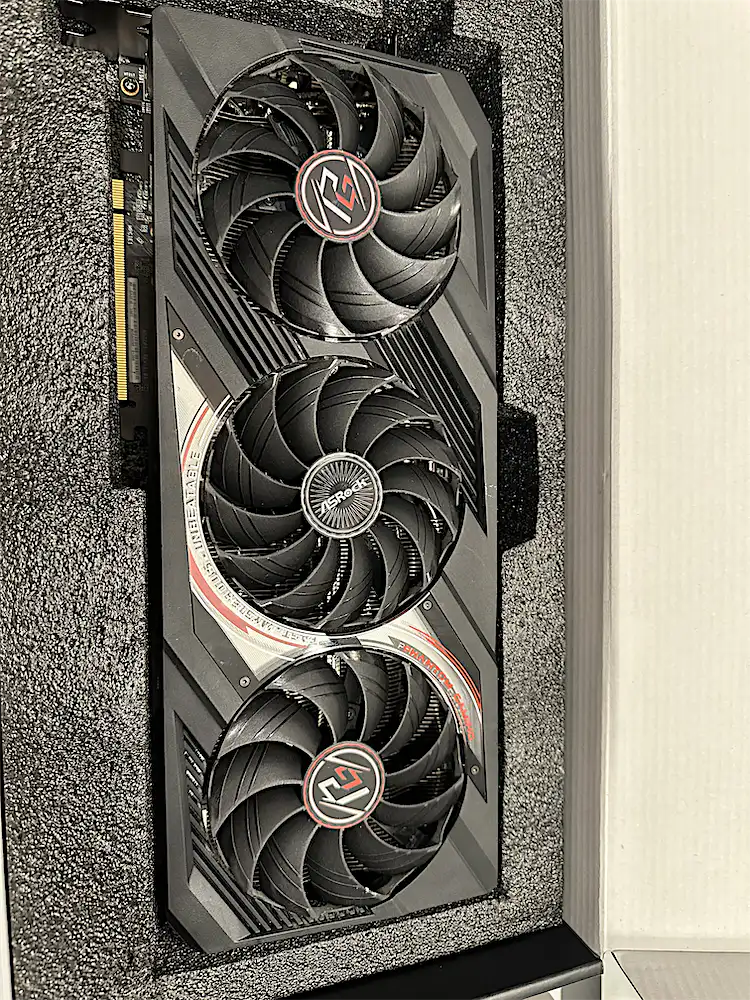
A customer brought us their AMD Radeon RX 7900 XTX 24GB graphics card after trying to update its VBIOS. They followed all the instructions, but after restarting the PC there was no video output. The card was bricked.
What a bricked VBIOS means
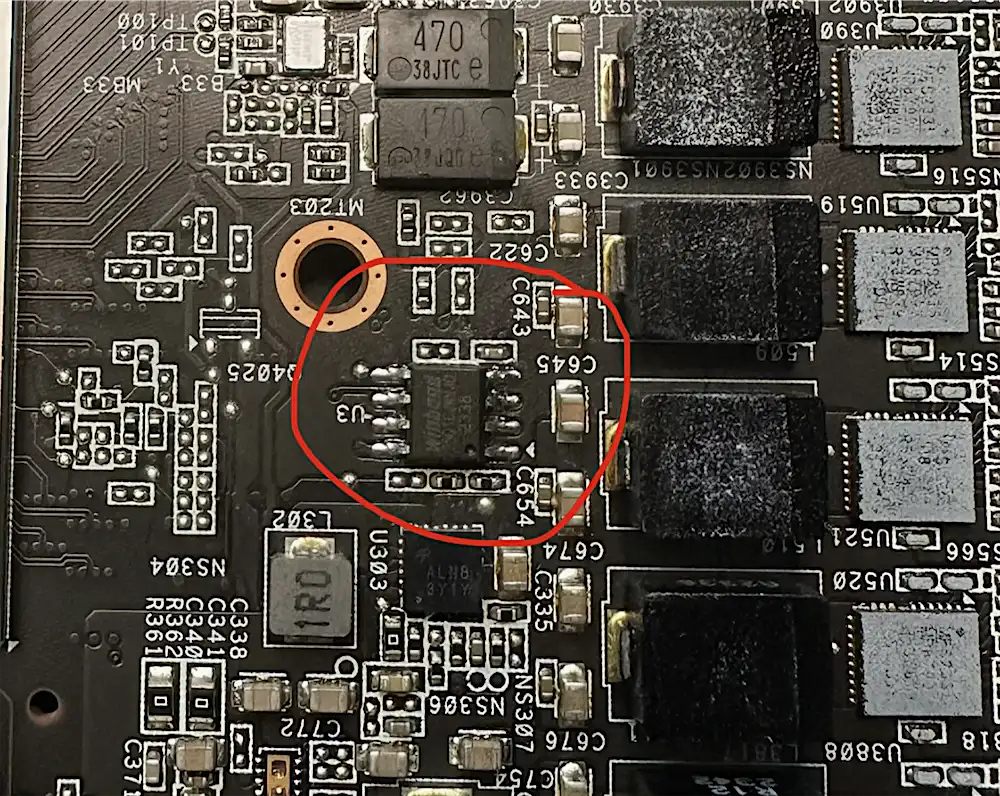
The VBIOS is the firmware stored on a small chip on the graphics card. The card needs it to start up, so when an update leaves it unusable, the card stops working, even though the rest of the hardware may be perfectly healthy.
Reflashing the VBIOS chip
- Removed the heatsink to get to the VBIOS chip.
- Unsoldered the chip from the board.
- Reflashed it with a healthy VBIOS using a programmer.
- Soldered the chip back onto the board.
Replacing the thermal compound
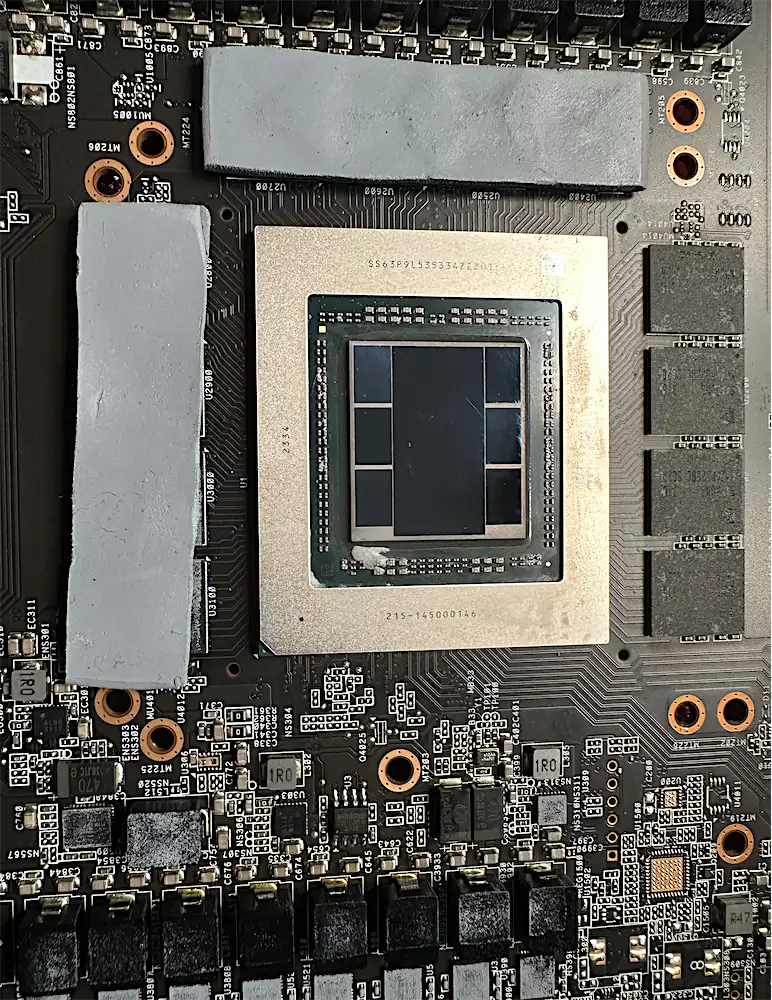
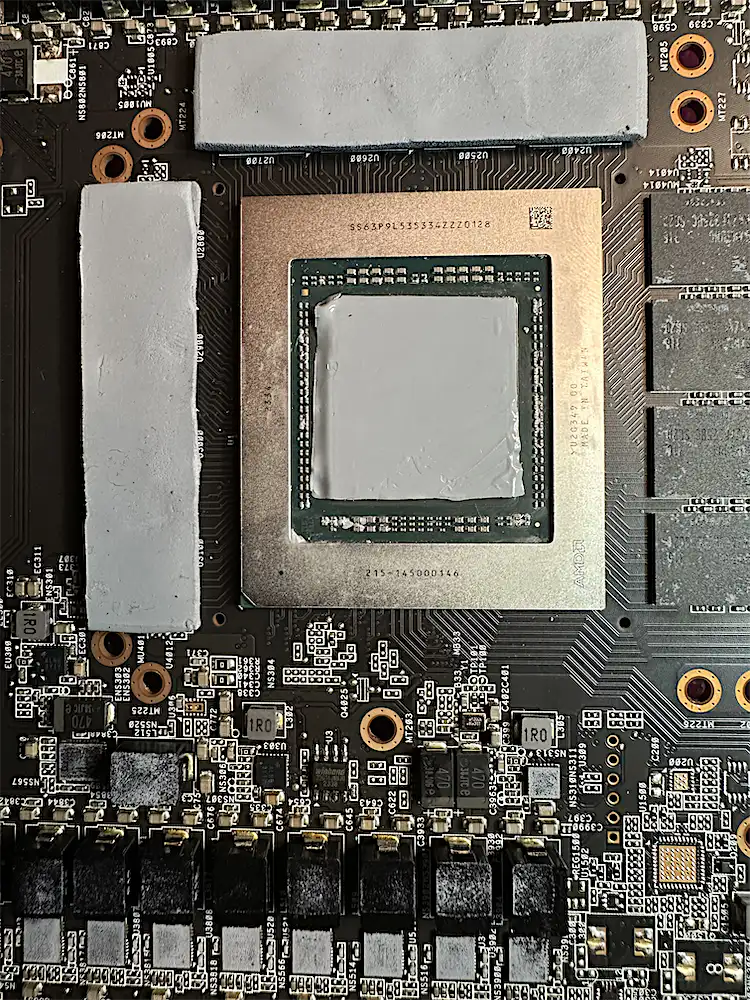
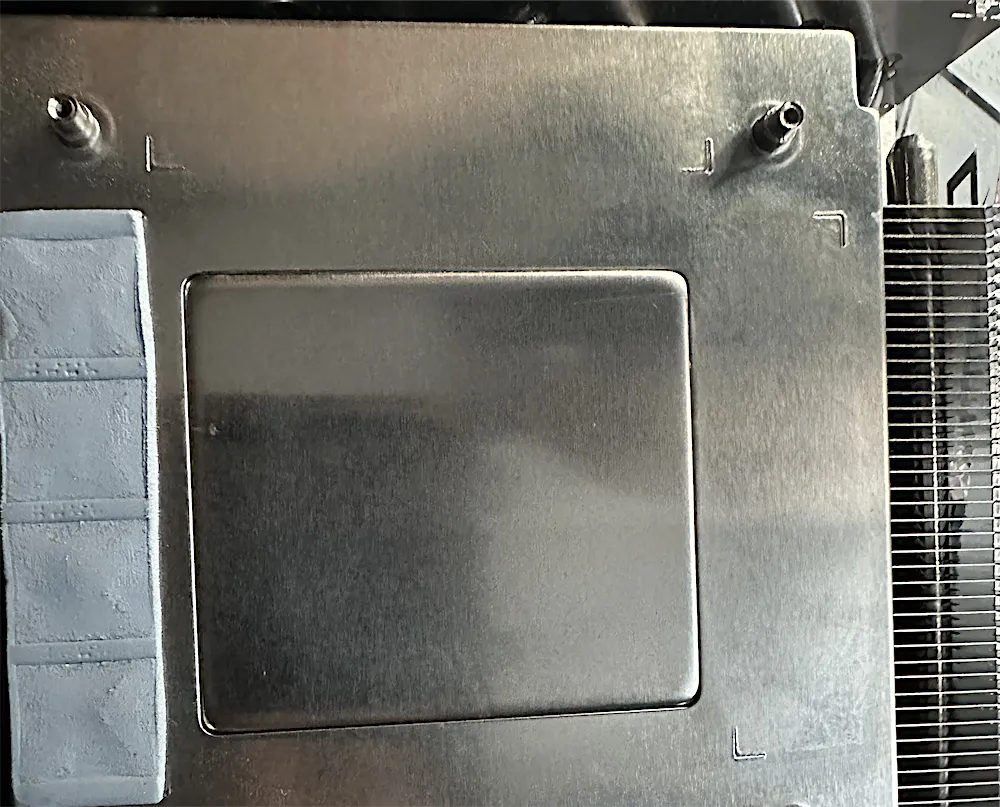
With the heatsink off, it couldn’t go back on without dealing with the old thermal compound. Once a heatsink has been removed, the old compound has to be cleaned off and replaced, or the GPU won’t cool properly.
We cleaned it all off the GPU and the heatsink, then applied PTM7950, a phase-change thermal material.
The result
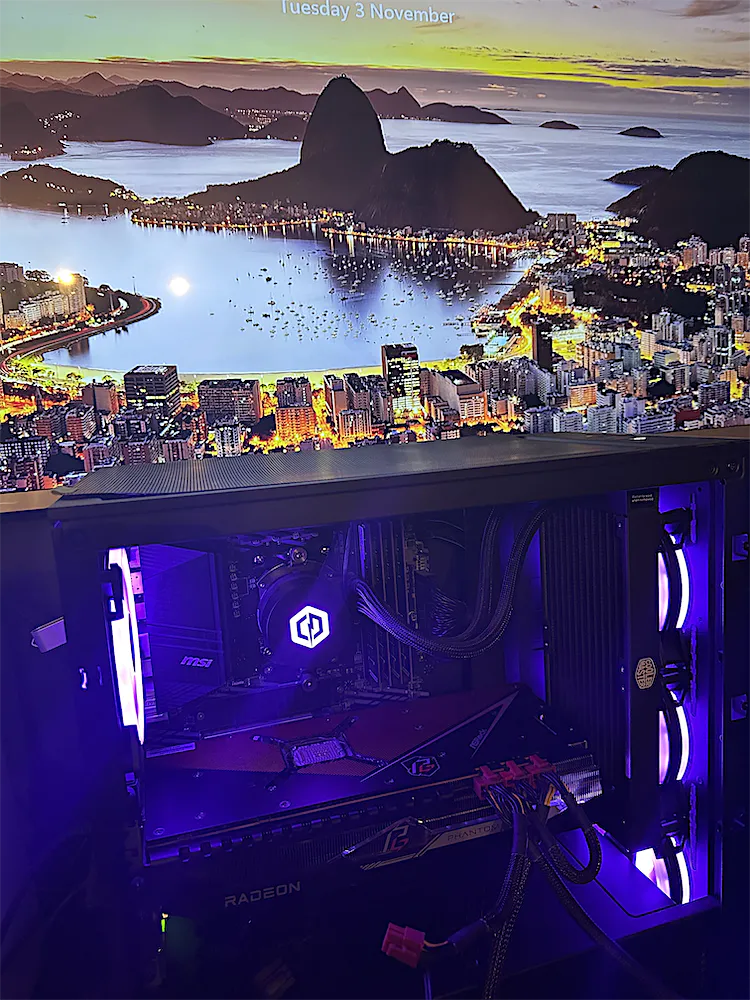
- The graphics card is alive again, with video output restored
- Healthy VBIOS back on the chip
- Fresh PTM7950 on the GPU
Thinking about updating your VBIOS?
- Before updating, even for a security update, check that the release is meant for your exact card.
- Back up your current VBIOS before you change anything.
- If it goes wrong, don’t give up on the card. A bricked VBIOS is often repairable.
Graphics card dead after a VBIOS update?
It’s often repairable. We reflash VBIOS chips and repair graphics cards at component level. Every device gets a free evaluation, we work no fix, no fee, and you can post your card to us from anywhere in the UK.